Aftershoot Black Friday Sale 2026: Save Up to 25% on AI Photo Editing Software
The wedding is over, the couple is off celebrating, and you’re home with memory cards full of images. That’s when the real work starts. Somewhere in those thousands of frames are the vows, the first look and the moment the father of the bride finally lets himself cry. They’re buried between blinks, missed focus and frame after near-identical frame of the same toast. And by the time you’ve found them all, the next wedding is already on your calendar.
Wedding season and the holiday mini session rush only make it harder. Galleries pile up, couples start asking when their photos will be ready, and keeping your edits consistent from bright ceremony light to a dim reception room takes real focus when you’re tired. Every evening spent culling is an evening you’re not shooting, answering inquiries or growing your business.
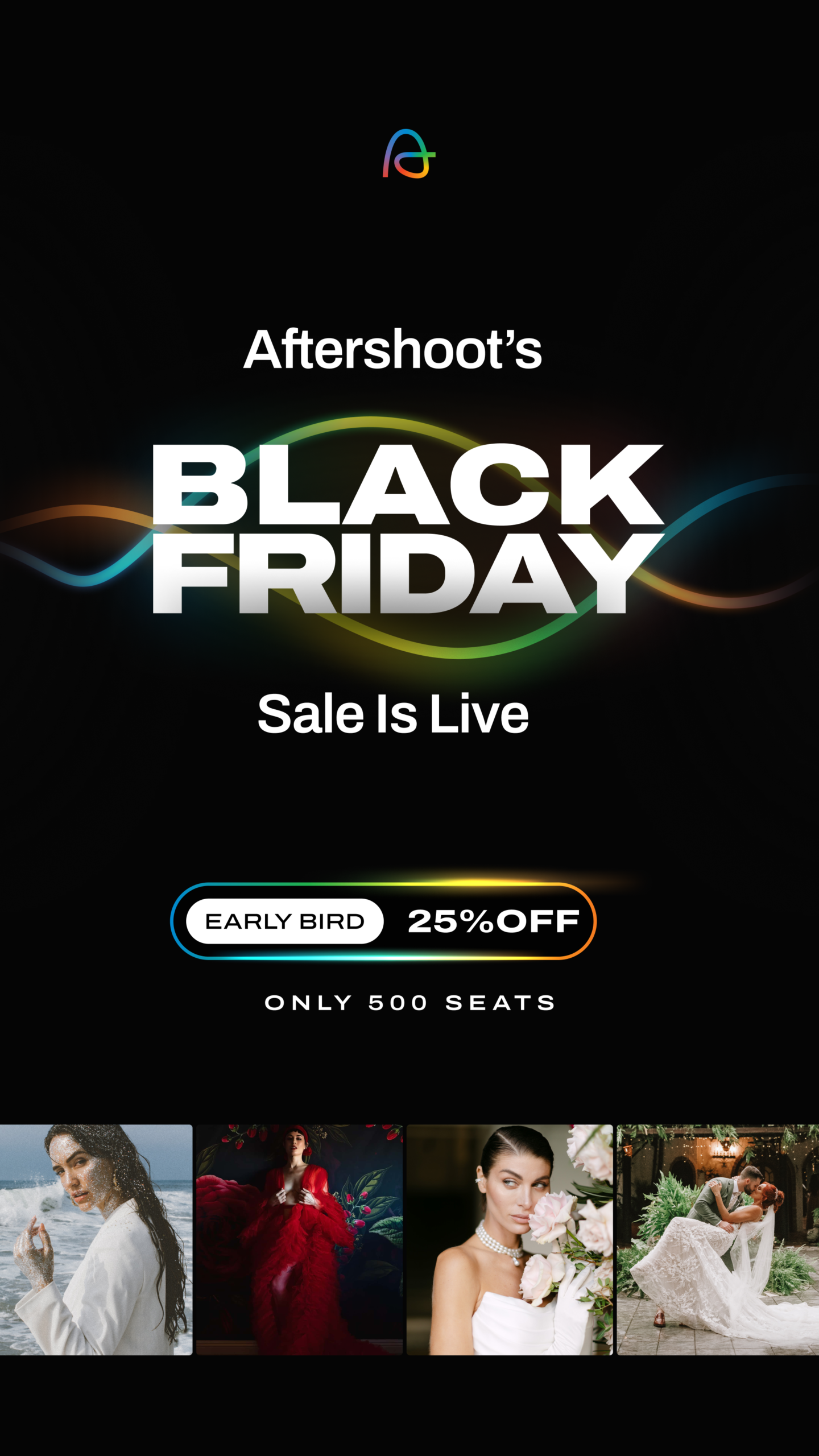
As an Ottawa wedding photographer, I know that feeling well, and it’s exactly why I use Aftershoot as part of my own post-production workflow. I’ve written before about how AI-powered photo culling and editing fits into a photographer’s process, and right now there’s a good reason to take a closer look. The Aftershoot Black Friday 2026 sale is already live, with an early-bird 25% off annual plans for the first 500 customers before the discount drops to 20%.
In this guide, I’ll walk you through what Aftershoot does and how it works, why I use it in my business, how the Black Friday deal and pricing break down, which plan makes sense for you, and how to claim your discount before the early-bird spots are gone.
Already know you want it? Grab the Aftershoot early-bird deal here before the 500 spots are claimed.
This post contains affiliate links. If you purchase through my link, I may earn a commission at no additional cost to you.
What Is Aftershoot and How Does It Work?
Aftershoot is an AI-powered post-production platform for photographers. It brings culling, editing and retouching into one app that runs locally on your Mac or Windows computer, so nothing has to be uploaded to the cloud. Every plan includes unlimited images, and you can use one, two or all three tools.
Aftershoot AI Culling
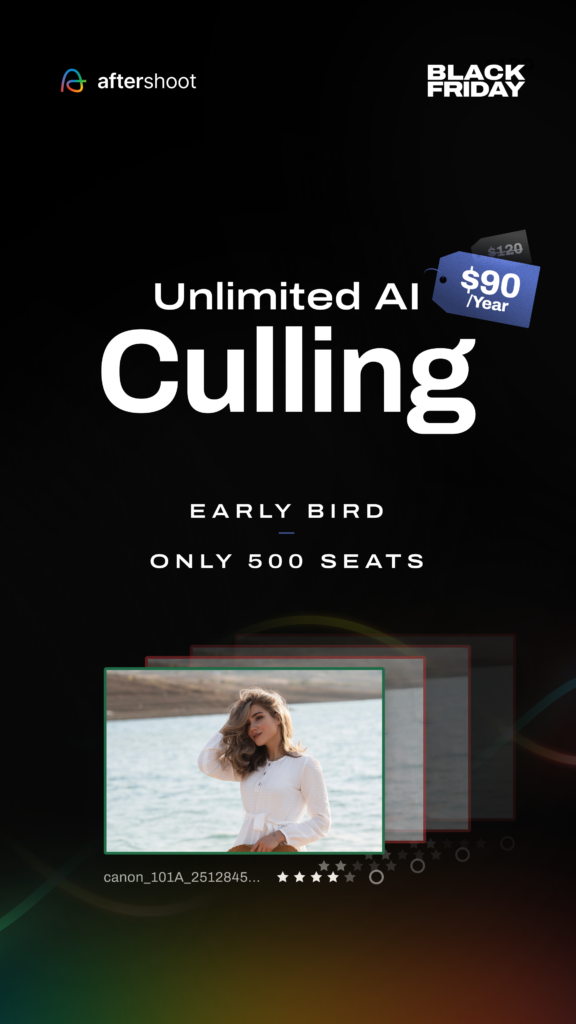
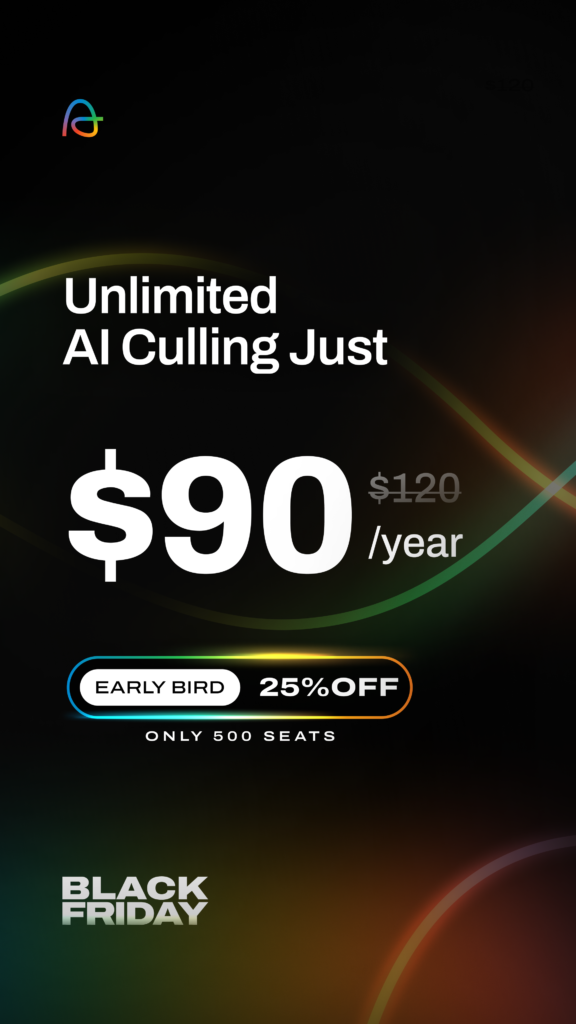
Aftershoot AI culling scores every frame across more than 30 factors, groups duplicates and flags blinks and blurry shots. AI-Automated culling makes the first pass for you, while AI-Assisted culling groups and scores your images as you make every call yourself.
You can set how strict it should be, and Cull to Target lets you choose the number of images you’ve promised a couple before you start. Survey Mode compares up to 16 similar frames side by side, and Key Faces helps you spot the best expressions. Your originals are never deleted or changed.
Aftershoot AI Editing
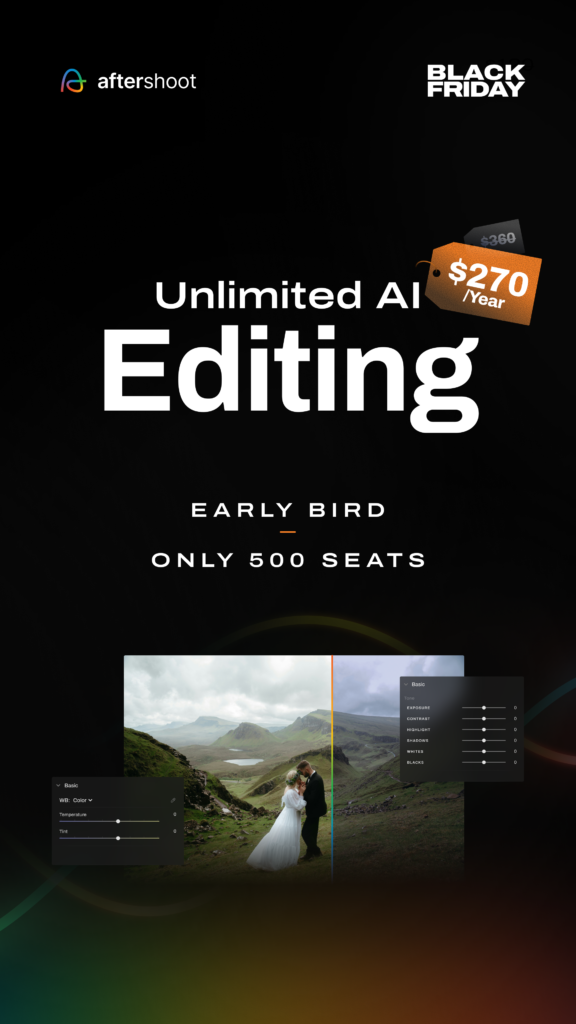
Aftershoot AI editing applies a consistent look across a whole gallery. You can train a Personalized AI Profile on your own past edits from Lightroom or Capture One (Aftershoot asks for at least 2,500 edited images), turn a Lightroom preset you already love into an Instant AI Profile, or start from one of the 30+ pre-built styles in the Aftershoot Marketplace.
It also handles cropping, straightening and masking, with a built-in RAW editor for manual tweaks.
Aftershoot AI Retouching
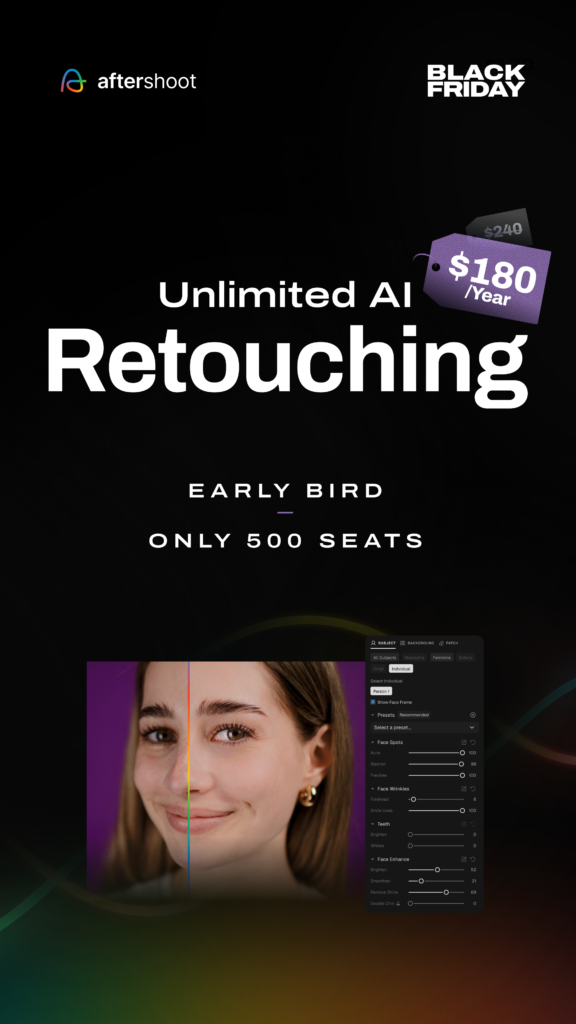
Retouch handles the portrait cleanup you’d usually do one image at a time, like skin smoothing that keeps natural texture, blemishes, stray hairs, glasses glare, cloth wrinkles and distractions like exit signs. Adjust one photo, then sync it across the set.
How the Aftershoot Workflow Fits Together
- Import your RAW or JPEG files. You don’t need an internet connection.
- Let Aftershoot cull, then review its selections and make your own swaps.
- Your picks carry straight over into Edit and Retouch.
- Export to Lightroom Classic, Capture One, Photo Mechanic or Bridge with your ratings and labels intact, or finish everything inside Aftershoot.
After photographing a wedding, I come home with thousands of images to sort through. I use Aftershoot to help with the initial culling process, which gives me a much more manageable starting point. I still go through the selections myself because there are always little moments or expressions I want to make sure aren’t missed. From there, I can move into the rest of my editing workflow knowing that the most time-consuming part of sorting through everything has already been made easier.
Who Aftershoot Is Built For
Aftershoot is built for high image volumes, which is why Aftershoot for wedding photographers is such a natural fit. It’s also designed for portrait, family, newborn, boudoir and sports work. Whether it’s the best AI photo editing software for photographers in your genre depends on which step slows you down most. More on that when we get to the plans.
Why I Use Aftershoot in My Photography Business
This isn’t a technical Aftershoot review. It’s a look at why the tool has a place in my business as a wedding and portrait photographer. I’ve said before that sifting through thousands of images after an event can be exhausting. What Aftershoot changes is how much of that repetitive work has to be done by hand.
Keeping Every Wedding Gallery Consistent
A wedding day moves from soft window light to bright ceremony sun, golden hour portraits and a dim reception room. Couples should still feel like their whole gallery belongs together. A Personalized AI Profile learns from your own past edits, so the first pass starts from your style rather than a generic preset.
Staying in Control of the Final Selections
I’ll always be the one deciding which moments tell a couple’s story. Aftershoot can sort and flag, but nothing is final until you review the selections and choose what gets delivered. The AI handles the sorting, and my eye makes the final call.
One thing I’ve learned as a wedding photographer is that the technically perfect photo isn’t always the most meaningful one. Sometimes it’s the slightly imperfect, candid moments that end up being some of my favourites. A parent getting emotional during a speech, someone laughing in the background, or a little interaction that happens between the bigger moments. That’s why I always review my selections myself. AI is great at helping me narrow things down, but it doesn’t replace knowing what moments matter to my couples.
Getting Galleries to Couples Sooner
Couples are excited to see their photos, and that excitement doesn’t wait for wedding season to slow down. With culling, editing and retouching in one place, you can move a gallery from import to delivery without bouncing between programs.
One of the biggest things for me is being able to stay on top of my workload, especially when the wedding season overlaps with fall and holiday mini sessions. When you’re photographing multiple sessions in a weekend, those galleries add up quickly. Having tools that help streamline the process makes it easier to keep everything moving while still giving every gallery the attention it deserves.
More Time for Clients and Shooting
There are inquiries to answer, timelines to plan, venues to scout and, of course, weddings to photograph. Handing the repetitive first pass to Aftershoot can leave more room for the parts of the job that actually need me.
Between photographing weddings, running Ottawa Mini Sessions, managing a photography studio and handling everything else that comes with running a business, my to-do list never really ends. Anything that helps me spend less time on repetitive tasks is a win. I’d much rather put that time into communicating with clients, planning upcoming sessions or, occasionally, actually having an evening off instead of staring at my computer.
Working Offline and Alongside Lightroom
Two practical details matter a lot to me. Client photos stay on your own computer while Aftershoot works on them, and because it exports to Lightroom Classic, it fits into a workflow you already know.
I love that I can incorporate Aftershoot into my existing workflow rather than having to completely change how I work. I can use it to take care of the initial sorting and then continue with my usual editing process. For me, it’s about having tools that work together and make my life easier, not adding another complicated step to an already busy workflow.
Aftershoot Black Friday 2026 Deal and Pricing
Here’s the part you’ve probably been scrolling for. The Aftershoot Black Friday sale started early this year.
How the Aftershoot Early-Bird Discount Works
The early-bird promotion began on November 3, 2026. The first 500 customers get 25% off eligible annual plans. Once those 500 spots are claimed, the discount drops to 20%. It’s for annual plans only, not monthly subscriptions, and discounts are subject to availability.
The Black Friday page shows a live counter of how many early-bird seats are left, so my honest advice is to grab the early-bird price now rather than waiting for Black Friday weekend. You can check the current seat count on the Aftershoot Black Friday page.
Aftershoot Pricing 2026 With the Black Friday Discount
All prices are in USD.
| Plan | What’s Included | Regular Price | 25% Off (First 500) | 20% Off |
|---|---|---|---|---|
| Select | AI culling | $120/year | $90/year | $96/year |
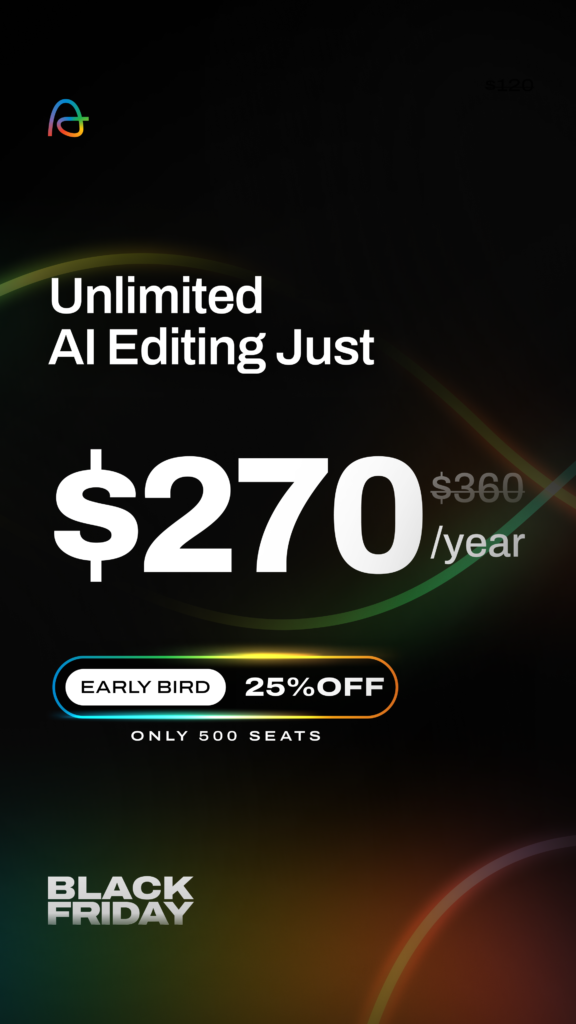
| Edit | AI editing | $360/year | $270/year | $288/year |
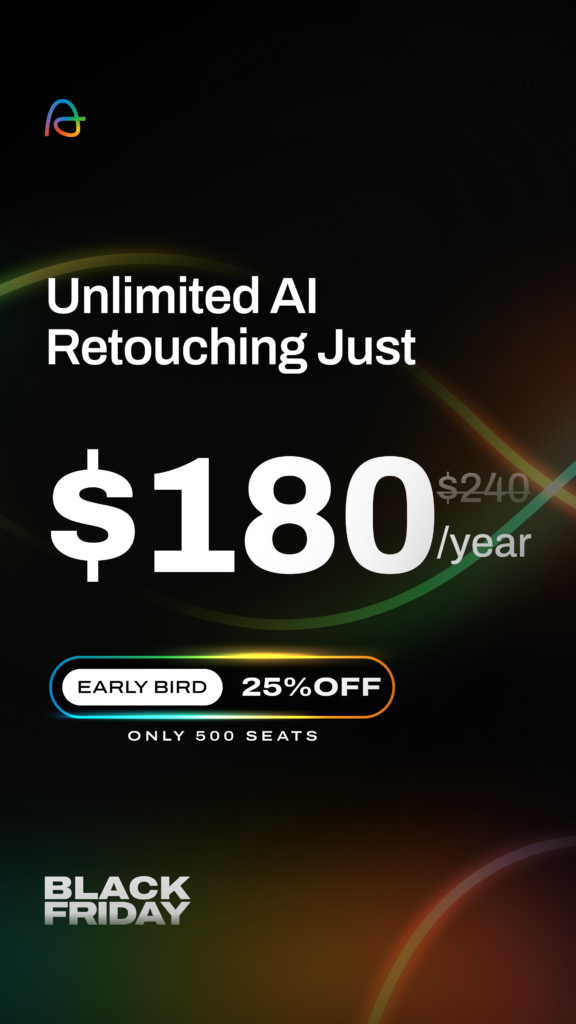
| Retouch | AI retouching | $240/year | $180/year | $192/year |
| Complete | Select, Edit and Retouch | $540/year | $405/year | $432/year |
Aftershoot Annual vs Monthly Pricing
Aftershoot’s monthly plans are $15 for Select, $35 for Edit, $25 for Retouch and $55 for Complete. Over a full year, the early-bird price saves you $90 on Select, $150 on Edit, $120 on Retouch and $255 on Complete compared with paying month to month.
Complete also costs less than the three tools bought separately, which add up to $720 a year at regular prices.
Using Code BLACKFRIDAY26 at Checkout
Looking for the Aftershoot discount code 2026? It’s BLACKFRIDAY26. Aftershoot says the discount applies automatically at checkout, so you’ll only need it if it doesn’t show up. Aftershoot promo code or Aftershoot coupon code, it’s the same thing. If you’re here outside the sale, my Aftershoot promo code page has my year-round offer.
The Aftershoot Galleries Add-On
With an eligible annual plan, you can add Aftershoot Galleries for $25 a year, with 100 GB of photo storage, client proofing and print sales. Aftershoot says it renews at the same $25 each year.
Aftershoot Free Trial and Money-Back Promise
Want to test it first? Aftershoot offers a 30-day free trial with full access and no credit card required. And if you buy during the sale and it isn’t the right fit, the offer comes with a 30-day money-back promise for a full refund.
Claim the Aftershoot Black Friday 2026 discount here!
Which Aftershoot Plan Should You Choose?
Think about your last big gallery. Which step did you put off the longest? Picking the keepers, getting the colour right or cleaning up skin? Start your plan there.
Aftershoot Select for Photographers Who Dread Culling
Select is Aftershoot’s culling tool on its own. It suits photographers who love editing by hand in Lightroom Classic or Capture One, but find that sorting through thousands of frames is what slows them down.
The Black Friday price is $90/year for the first 500 customers, then $96/year.
Aftershoot Edit for Photographers With an Established Style
Edit makes the most sense if you already have a signature look and enough edited images to train a personal profile. If you’re newer, an Instant AI Profile or a pre-built style is a good place to start.
The Black Friday price is $270/year during the early bird, then $288/year.
Aftershoot Retouch for Portrait-Heavy Work
Retouch is designed for portrait, headshot, newborn and wedding photographers who spend a lot of time on cleanup, and it also covers background replacement for headshots.
The Black Friday price is $180/year during the early bird, then $192/year.
Aftershoot Complete for the Full Workflow
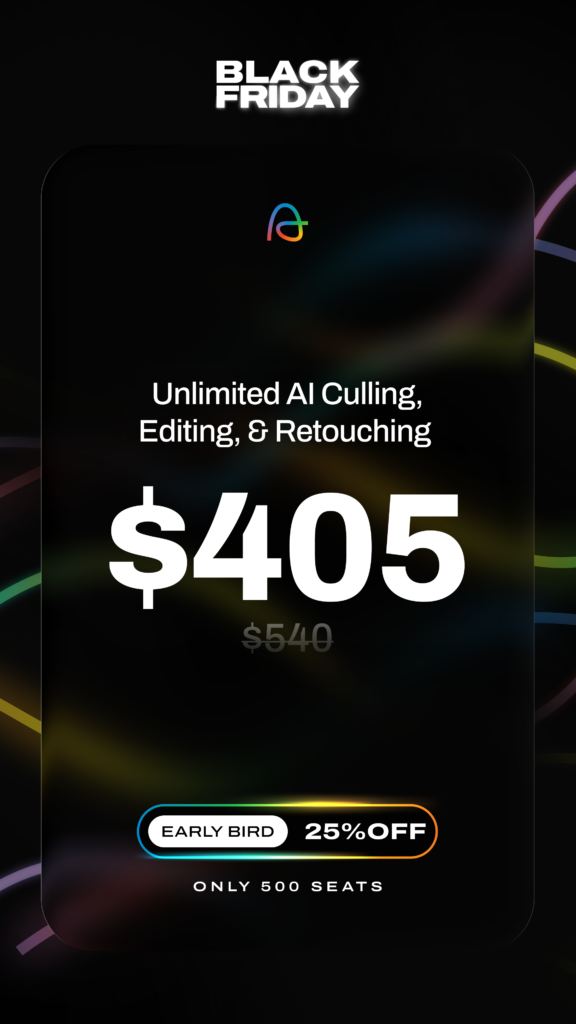
Complete includes Select, Edit and Retouch in one plan. If you cull, edit and retouch every gallery, it’s the better value.
The Black Friday price is $405/year during the early bird, then $432/year.
I personally use Aftershoot Complete because my photography business involves so much more than just weddings. Between full wedding galleries, family sessions, and running Ottawa Mini Sessions, I’m constantly working through thousands of images, especially during peak season.
Having access to AI culling, editing, and retouching in one place gives me the flexibility to use whichever tools make sense for each gallery. I still have full control over my final selections and edits, but having Aftershoot help with the repetitive parts of post-production makes managing such a high volume of work a lot easier. For me, Complete makes the most sense because I can use the entire toolkit as my workflow needs change.
Still Not Sure Which Aftershoot Plan Fits?
Run one recent shoot through every step during the free trial and see which tool you actually reach for.
Before you buy, check your computer. Aftershoot needs at least a 4-core CPU and 8 GB of RAM, on macOS Catalina or Windows 8 or later. If your bookings slow down in winter, any plan can be paused once a year for up to three months.
Is Aftershoot Worth It for Wedding Photographers?
Let’s keep it real. Aftershoot isn’t the right fit for every photographer.
Who Aftershoot Is Worth It For
Aftershoot makes the most sense when you’re working through a lot of images. If you photograph weddings, run back-to-back mini sessions or hit a packed fall and holiday season, the repetitive work adds up quickly. It’s also worth a look if you want consistency without handing over control.
Who Might Not Need Aftershoot
If you only photograph a handful of sessions a year, or you genuinely enjoy culling and editing every frame yourself, the annual cost may be hard to justify. Aftershoot’s own pricing guide says as much. It also notes that computers below its minimum specs, or ones relying on Intel integrated graphics, can make retouching and previews unreliable.
Things to Know Before You Buy Aftershoot
- The AI still needs you. Plan on reviewing selections and edits rather than skipping that step.
- Personal profiles take a library. Without enough edited images, you’ll start from pre-built styles.
- You’re paying for a year up front. That’s the trade-off for the Black Friday price.
A Simple Way to Think About Aftershoot’s Value
Rather than looking for a number, ask yourself this. If Aftershoot handled even part of the repetitive work in your busiest months, what would you do with that time? If the answer feels meaningful, it’s probably worth trying.
For me, the value of Aftershoot comes down to how much time I spend behind my computer. During peak wedding season, especially when I’m also photographing hundreds of mini session clients, there’s no shortage of images waiting to be sorted. Anything that can help me manage that workload without sacrificing the quality of what I deliver is worth considering. It’s not about replacing the creative side of photography. It’s about making the less creative parts of running a photography business a little more manageable.
Between the free trial and the money-back promise, you don’t have to guess. Consider this the short version of my Aftershoot review.
How to Claim the Aftershoot Black Friday 2026 Discount
Claiming the deal only takes a few minutes.
- Open the Black Friday page. Head to aftershoot.com/black-friday.
- Choose your plan. Scroll to the plan cards, which show the annual sale prices, and click “Claim offer” on the one you want.
- Add Galleries if you’d like. It’s optional.
- Sign up or log in to your Aftershoot account.
- Check the discount at checkout. If it isn’t showing, enter BLACKFRIDAY26.
- Confirm before you pay. Make sure the discounted price is showing, then complete your purchase.
Tips for Claiming the Aftershoot Deal
- Already a subscriber? Aftershoot suggests checking your account page to see which Black Friday offers you’re eligible for.
- Watch the seat counter. Once the 500 early-bird spots are gone, the price moves to 20% off.
Final Thoughts
We didn’t become photographers to spend our evenings scrolling past blinks and near-identical frames. Post-production will always be part of the job, but it doesn’t have to take over every week of your busy season.
If Aftershoot sounds like it could take some of that repetitive work off your plate, the Aftershoot Black Friday 2026 early bird is a good time to try it, while the 25% spots last. You can claim the Aftershoot Black Friday deal here and use code BLACKFRIDAY26 if it doesn’t apply automatically.
If you give it a try, share your setup with #AftershootDeal, and follow @Aftershootco for updates on the sale.
And from one photographer currently making her way through the chaos of wedding season and holiday minis, I hope this helps you get a little more of your time back. Because as much as we love photography, we deserve to occasionally close our laptops too.
And if you’re a couple planning your own celebration and you found your way here, you can see my Ottawa wedding photography or get in touch anytime.
Leave a Reply


About Farrah
authentic, colourful Photographer
Farrah Sanjari is an award-winning Ottawa wedding photographer known for vibrant colours, genuine moments, and a calm, supportive presence. She photographs weddings throughout Ottawa, Ontario, and Quebec, capturing both the big celebrations and the quiet in-between moments that make each day unique. Her approach blends documentary storytelling with gentle direction to create images that feel natural, timeless, and true to you.
More About me
Explore
Recent Posts
Ready to work together?
Whether you’re planning your wedding or celebrating your engagement, this season deserves to be documented with care and intention. I approach every story with calm guidance and an eye for genuine connection, creating images that feel natural and true to you. Share a few details about your plans below, and I’ll be in touch soon to begin crafting something meaningful together.


Leave a Comment